Facebook, LinkedIn, and Google+ have their own versions of business pages. Now, Amazon and Pinterest do, too.
Amazon Marketing Services
Amazon introduces business pages for merchant use.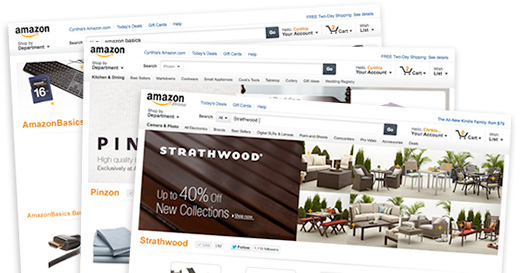
Amazon has quietly launched what it refers to as Amazon Marketing Services, which is a suite of self-service tools that merchants can use to promote their products.
The suite contains three components: Amazon Pages, Amazon Posts, and Amazon Analytics.
Pages encourage customers to learn about a merchant’s brand and purchase products. Posts deliver social content that can appear on both Amazon and Facebook. Analytics measure the effectiveness of a merchant’s marketing promotions on Amazon.
“Your products and brand message are exposed on a professional web site available to millions of Amazon viewers and buyers at no cost to you. As potential customers view your Amazon Page and read your posts, Amazon Analytics gathers a wide variety of metrics using proven Amazon ecommerce software,” states Amazon.
Amazon Pages resemble Facebook fan pages in that they contain a large header image, which is referred to as a “Hero widget,” and custom URL — such as www.amazon.com/companyname. Pages also enable merchants to include buttons that link to their Facebook Pages and Twitter accounts.
Each page is configurable using three template options:
- All Products allow merchants to showcase a wide array of products;
- Products and Posts combine products and social posts;
- Posts Only are Twitter-style posts of 140 characters, which can be posted either to the Amazon Page, Facebook Page or both. (Interestingly, posting to Twitter is not available at this time.)
Merchants interested in using Amazon Pages must first register, then go through a verification process to ensure access by authorized representatives only.
Here are the steps to create an Amazon Page once the application has been approved.
-
Sign in to ams.amazon.com.
-
On the top navigation bar, click the brand menu, and then click your company name.
-
On your brand page, click “Get started with your page.”
-
On the Select Template page, click the template that works best for your current marketing goal — All Products, Products and Posts, or Posts Only — and then click Next.
-
In the Page Editor, click in the Hero Widget box and begin personalizing your page.
It is conceivable that smaller merchants could use an Amazon Page as their primary ecommerce site in lieu of more traditional shopping carts.
Amazon offers a user guide in PDF form that describes each feature in detail.
Pinterest Business Accounts
Pinterest recently launched business accounts.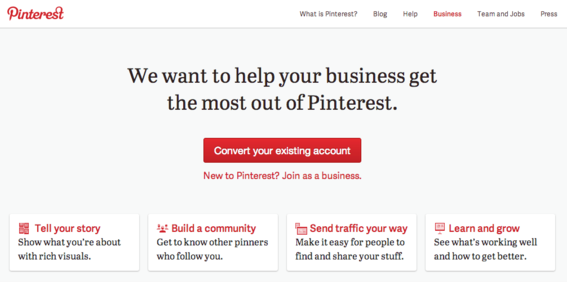
Popular social scrapbooking site Pinterest has launched its own version of business pages. Though lacking the same layout as Amazon or Facebook Pages, Pinterest presumably hopes the thousands of businesses that have established a presence on the site will switch to business accounts.
“We want to help more businesses provide great content on Pinterest and make it easy to pin from their websites. Today, we’re taking a first step toward that goal with some free tools and resources,” said a Pinterest blog post announcing the new service.
Pinterest business accounts allow merchants to specify their business names instead of a first name and last name — such as www.pinterest.com/companyname. Like Amazon, businesses are required to go through a verification process to ensure they own the website associated with the account.
Businesses that already have a Pinterest profile can easily convert to a business account. The following business categories are available.
- Professional
- Public figure
- Media
- Brand
- Retailer
- Online Marketplace
- Local Business
- Institution/Non-Profit
- Other
Businesses that have no Pinterest presence can register to create a new account.
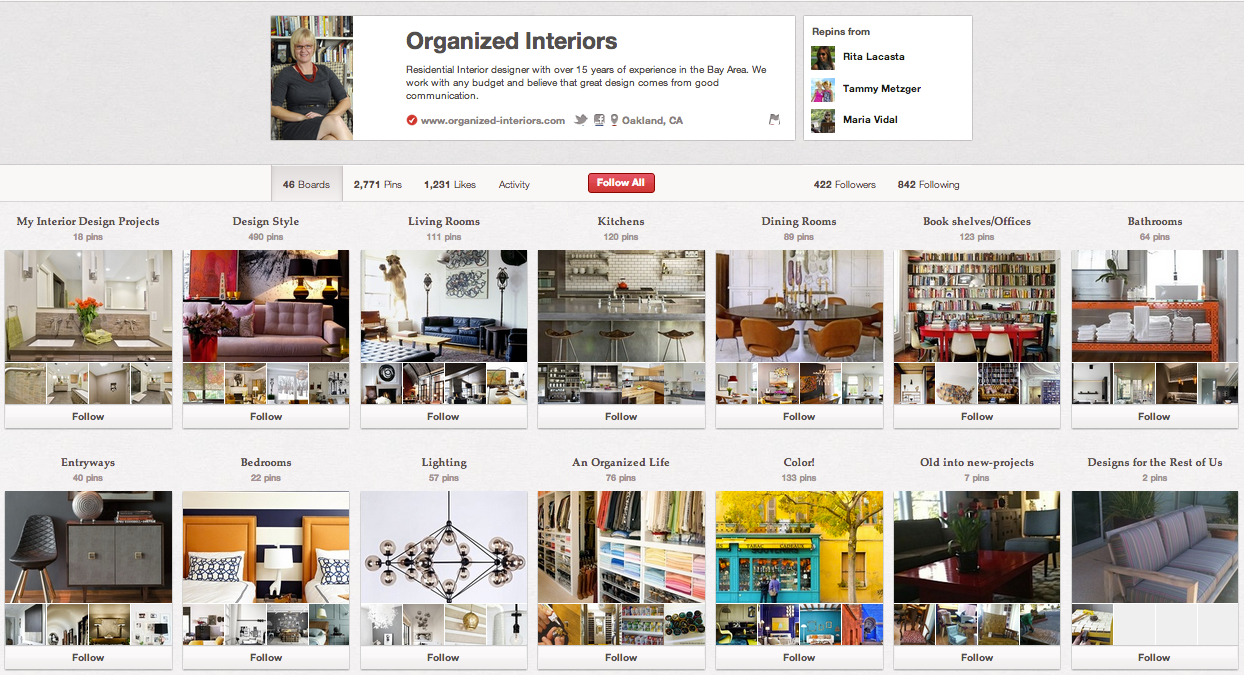
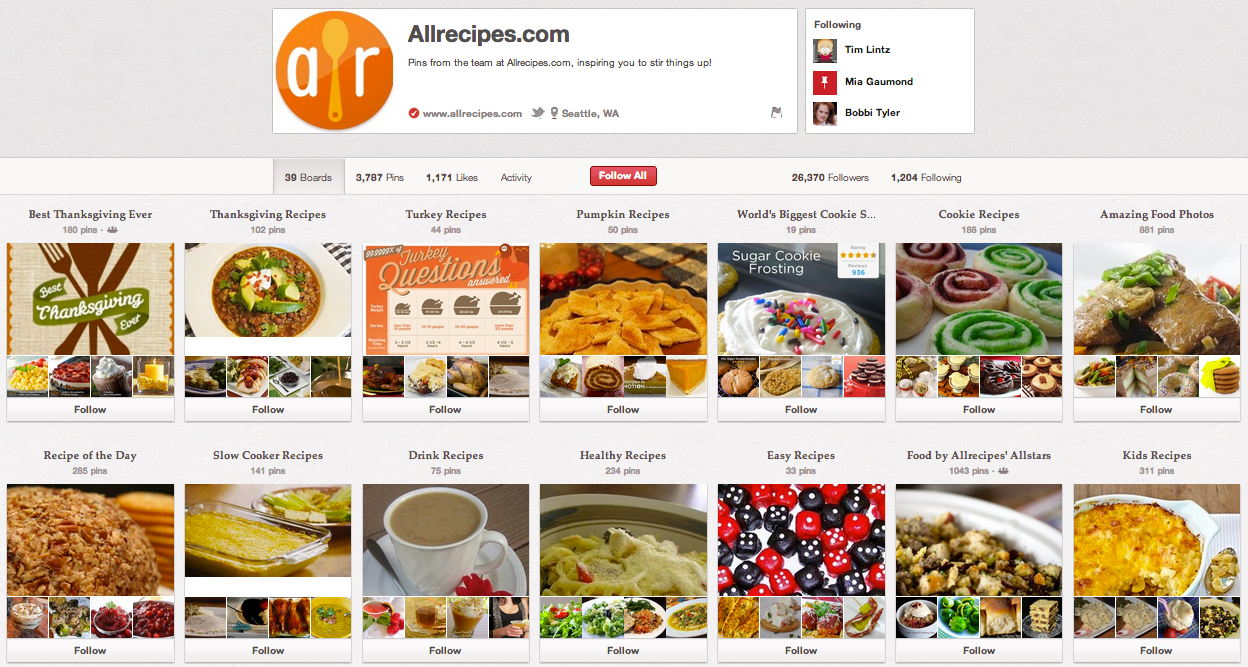
Here are two examples of Pinterest business accounts.
Organized Interiors Pinterest business account. Enlarge This Image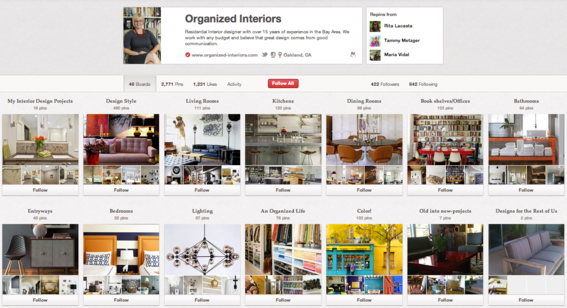
AllRecipes.com Pinterest business account. Enlarge This Image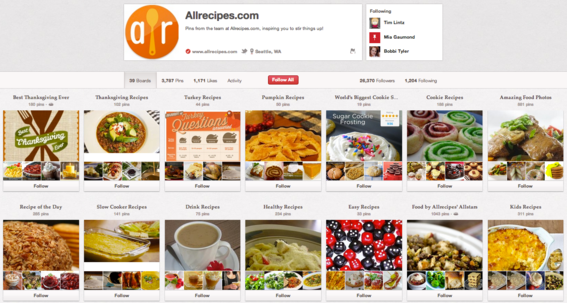





 ChatGPT vs. Gemini for SEO Tasks
 5 Content Marketing Ideas for May 2024
 SEO Takeaways from SGE's Partial Rollout
 BNPL Competition Drives Wins for Merchants
 Google Ad Updates Reflect New SERPs
 How to Track ROI from Content Marketing
 The Profitable Seller: Mastering Amazon FBA