


With credit card apps and readers, merchants can sell to customers at events, pop-up shops, or wherever they meet-up.
Here is a list of apps and readers for mobile credit card processing. The apps include a variety of features to manage inventory and transactions. There are free and premium readers to handle all levels of mobile sales.
Square
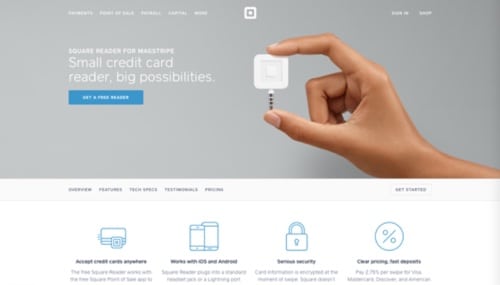
Square
Square is a popular service that offers a free mobile app and reader. Square remits funds as fast as one day. Swipe payments without a connection in offline mode and pay the usual rate per swipe. Card information is encrypted at the moment of swipe. Square doesn’t store data on your device after a payment has been processed. No monthly fees, and no commitments. Available on iOS and Android. Price: Swipe is 2.75 percent, manual entry is 3.5 percent + 15¢. Reader is free at sign-up; tap and chip reader is $49.
—
EMSplus
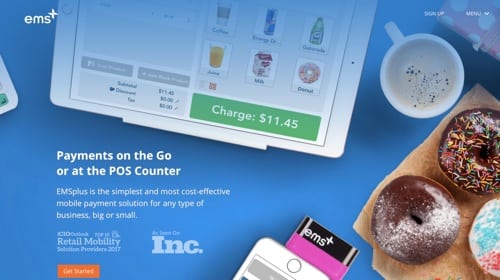
EMSplus
EMSplus is a low-cost provider with a free app and reader. The app features email receipts and invoicing, cash register mode with product categories and pictures, tip functionality, and more. Securely store customer data, modify records, and generate reports. EMSplus also offers round-the-clock support, live chat, and voice authorization. With no monthly or annual fees, the swipe rate of EMSplus is the lowest rate of this list. Available on iOS and Android. Price: Swipe is 2.25 percent, manual entry is 3.5 percent + 15¢. Reader is free with sign-up.
—
PayAnywhere
PayAnywhere
PayAnywhere is a customizable mobile app and reader to accept credit card payments and manage your business. Create and send email invoices and recurring invoices. Get funds deposited as soon as the next business day. Create an item library with barcodes, multiple prices and modifiers, and enter the quantity on hand. Quickly add or scan items with your device’s camera or connect a compatible Bluetooth barcode scanner. Plans start as low as 1.69 percent per transaction with a $12.95 monthly fee with a variety of readers available. Available on iOS and Android. Price: Pay-as-you-go plan is 2.69 percent, manual entry is 3.4 percent + 19¢. Free reader with sign-up.
—
PayPal Here
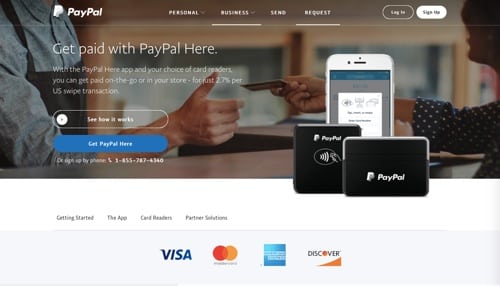
PayPal Here
PayPal Here provides a free app and reader to accept credit and debit cards, send invoices, track cash, and check payments. Get tools to manage inventory and employees. Create and send customized invoices. At launch, PayPal Here automatically connects to your most recently used card reader. No monthly fees, setup fees, cancelation fees, or processing minimums. Available on iOS, Android, and Windows. Price: Swipe is 2.7 percent, manual entry is 3.5 percent + 15¢. Readers start at $14.99.
—
Shopify
Shopify
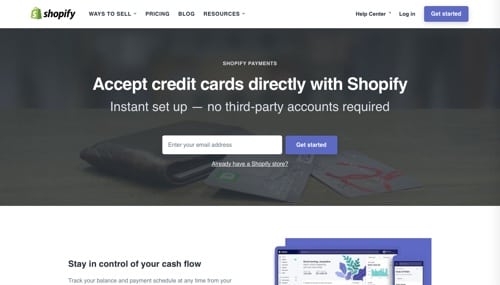
With the Shopify point-of-sale app and reader, accept credit cards on the go or in your retail store. Find products, process orders, take payments, swipe credit cards, produce receipts, and control it all from your iPad or smartphone. Your Shopify online store automatically synchronizes with Shopify POS to manage your entire business from one dashboard. Product and inventory updates in the Shopify admin will instantly take effect in Shopify POS. Available on iOS and Android. Price: Swipe and manual entry are as low as 2.4 percent, depending on the Shopify plan.
—
Credit Card Terminal
Credit Card Terminal
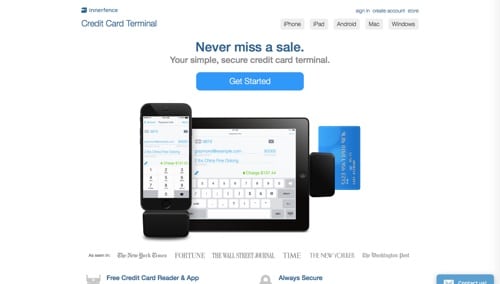
Credit Card Terminal offers a feature-rich app and reader for mobile payments. Features maps, signatures, receipts, refunds, history, and more. Review and refund transactions from the app or the website. Accurately compute sales tax. Easily toggle on or off by tapping. Encrypts transaction data during your sale and destroys sensitive card information, so it’s not stored on your system. Available on iOS, Android, and Windows. Price: $39 per month. 2.9 percent + 30¢. Reader is $79, free for new merchants.
—
QuickBooks GoPayment
QuickBooks GoPayment
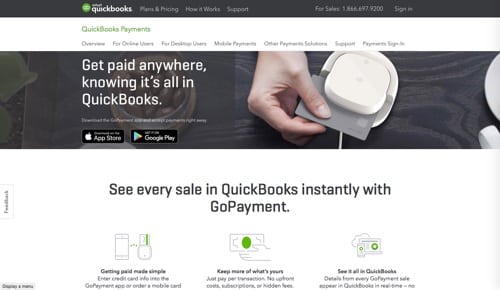
QuickBooks GoPayment from Intuit is a free app and reader to accept magstripe and EMV chip debit and credit cards, along with Apple Pay, Google Pay, and Samsung Pay. Transactions appear in QuickBooks for hassle-free bookkeeping. Available on iOS and Android. Price: Swipe is 2.4 percent + 25¢; manual entry is 3.4 percent + 25¢. Readers are free at sign-up.
—




 Retail Media's Opportunity Cost
 New Ecommerce Tools: October 7, 2026
 New Ecommerce Tools: October 14, 2026
 Guardrails for Google Ads AI
 New Ecommerce Tools: October 21, 2026
 Desktop Habits Hide Mobile Friction