Online stores do not have the shelves filled with products for consumers to touch and examine like physical stores do. This makes the use of compelling product images important for online merchants. Here are ten ways to improve your product images.
1. Start With Good Photographs
You can save yourself a lot of effort if you start with a quality product image. Take the time to find the right lighting, use a tripod or a flat surface to steady your camera, and make sure your camera is properly focused on your product. You may also want to take multiple shots of the same product using different lighting and angles. Having a larger pool of photos to pull from when you edit can help you find the best way to present a product. The better you know how to use your camera and the more time you take with your initial photos, the better your product images.
2. Use High Quality and Large Resolution Images
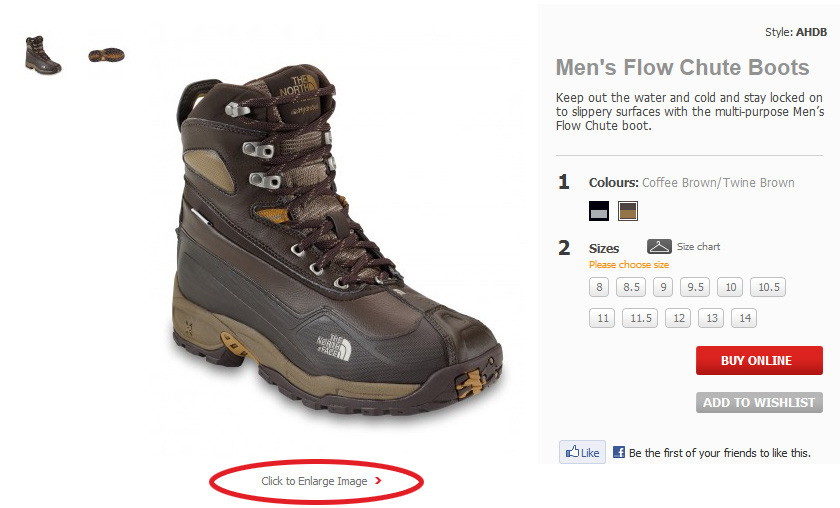
Customers want to thoroughly examine a product before purchasing it. Online, this means having a high quality or large resolution image. Provide your customers with a clear, large product image on your product page — or link to it from a thumbnail.
Customers need a large image, as they cannot pick up and examine your product in person. Enlarge This Image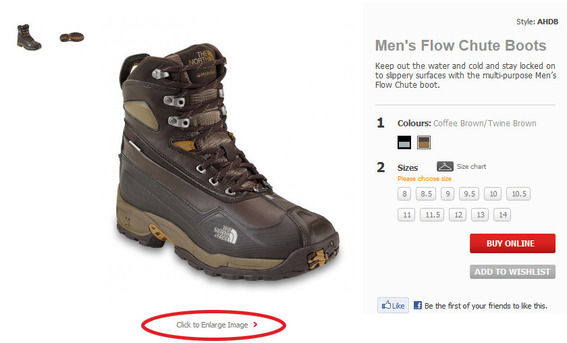
3. Use More Than One Product Photo
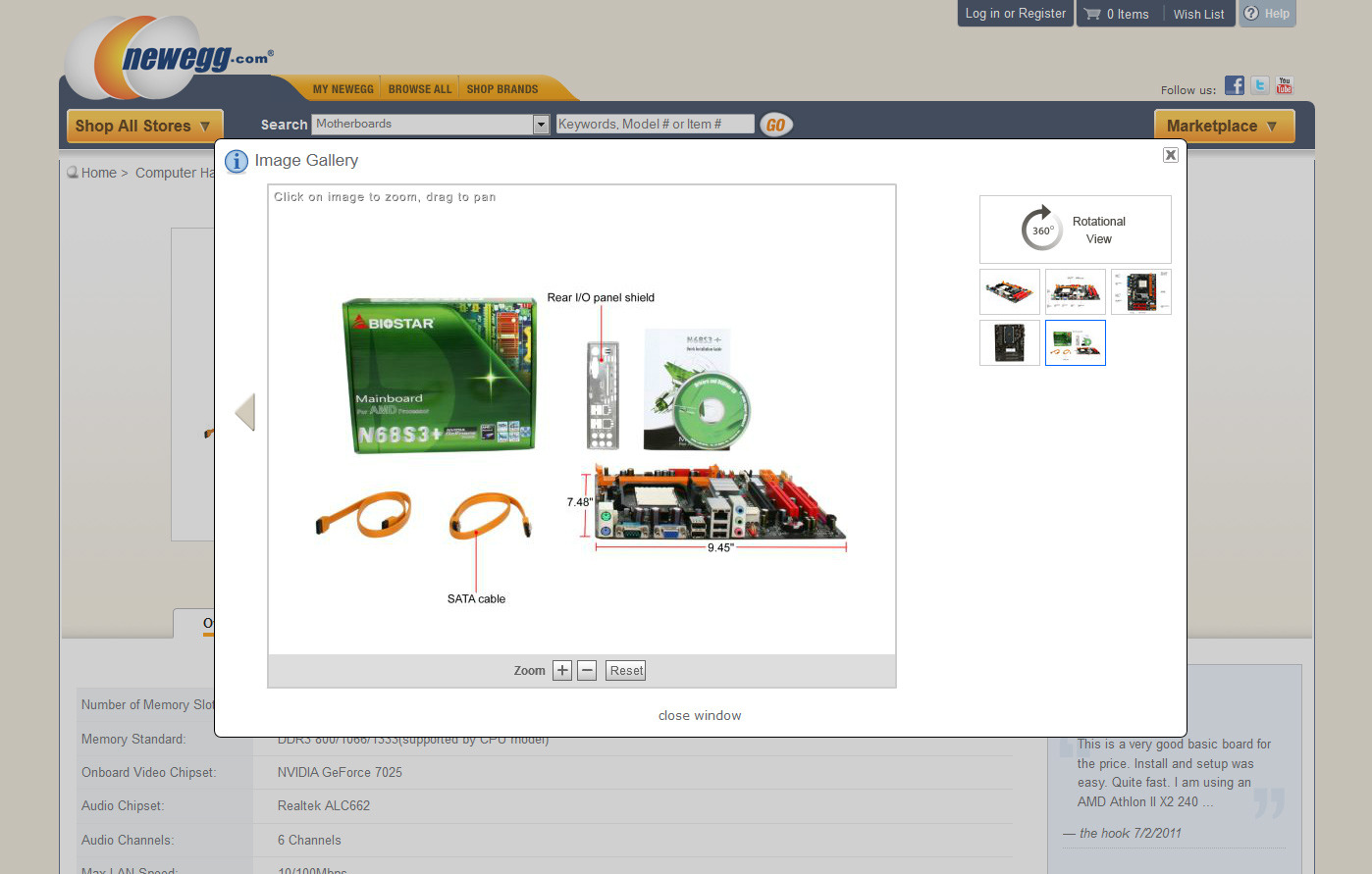
Because consumers can’t actually touch the products you are selling in your online store, having images depicting multiple angles of your product allows a better understanding of it. This is especially true for products that have many options or features. Consumers want to see what they are buying.
Multiple product photos allow customers to more fully understand the item they are buying. Enlarge This Image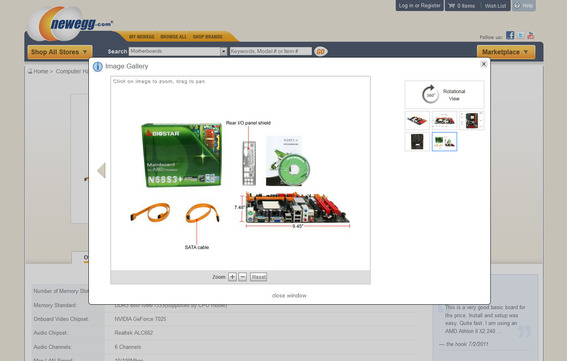
There are instances where more than one product photo is unnecessary. But be cautious. Most of the time a single product image is not sufficient.
4. Show The Product In Use
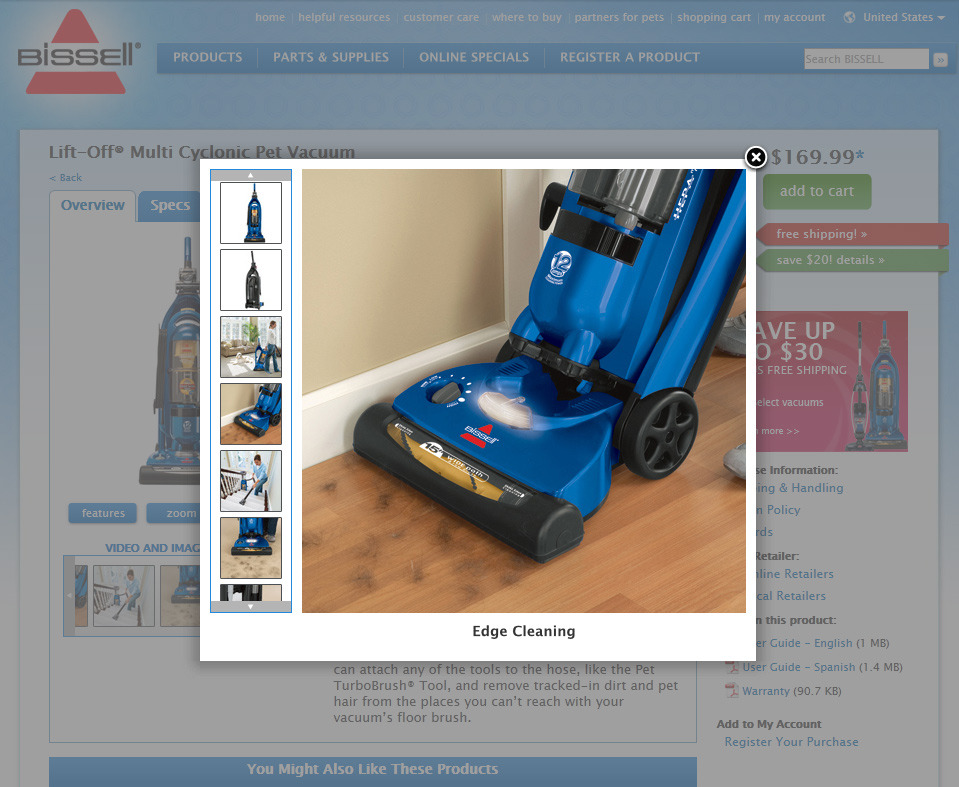
Including an image depicting your product in use helps connect the consumer to it. This is another way to overcome the gap left by an online storefront where consumers can’t physically touch the products.
Viewing your product in use can be a substitute for trying it out. Enlarge This Image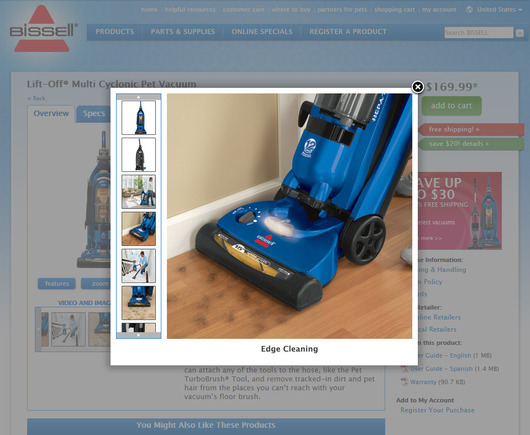
5. Use The Right Dimensions
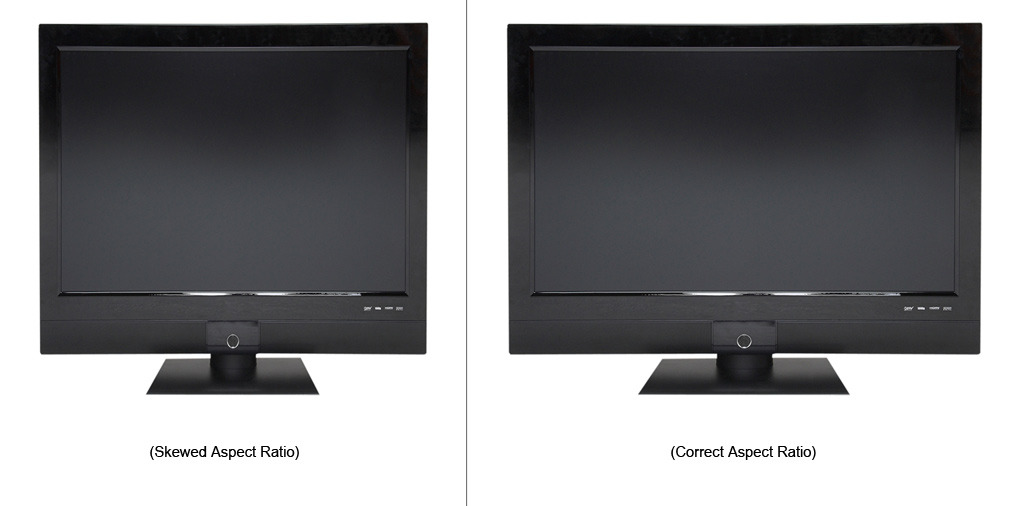
Sometimes moving an image from your computer to your online storefront can distort the aspect ratio — i.e., width vs. height — of the product image. Make sure the dimensions of the image on your computer match the dimensions of the image on your storefront. Not only will this ensure the proper aspect ratio for your image, but it can also cut down on load time if the browser doesn’t have to resize the image before rendering it.
A distorted product image misrepresents a product, and may reduce its appeal. Enlarge This Image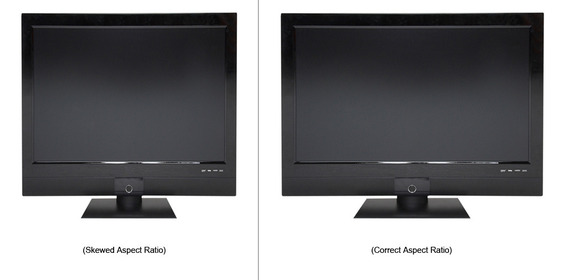
6. Use Clean Backgrounds
A cluttered background can distract from the product you are trying to sell. Use either a simple, appropriate background or remove the background all together. You may even want to use a seamless backdrop when shooting your photos in the first place.
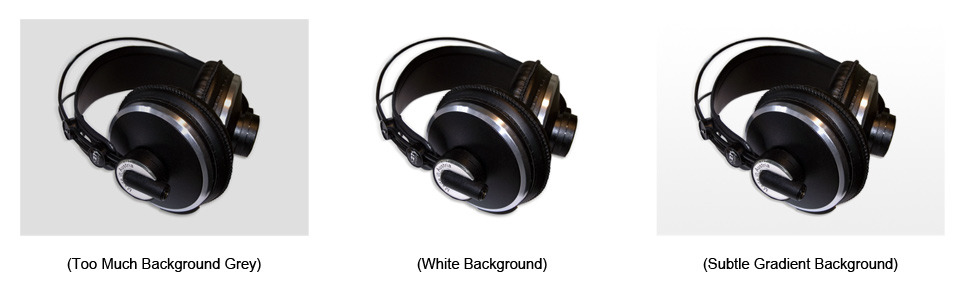
Even images shot against a white backdrop can sometimes require adjusting to make the background truly white and not a shade of grey. Subtle gradients can also be used as backgrounds for product images and can sometimes provide the illusion of a horizon line behind a product.
A clean background allows your product to stand out. Enlarge This Image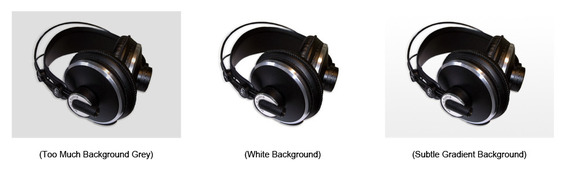
7. Use Clean Product Cutouts
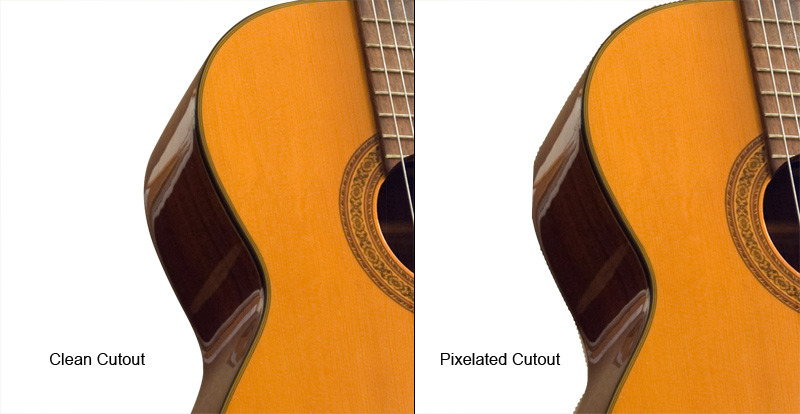
If you remove the background from your product image, make sure you have a clean cutout of your product. This means not having a pixelated edge around your it, but rather a smooth cutout of your image that doesn’t have pieces of the background showing through. Depending on your product, this could require more advanced image isolation techniques.
A pixelated cutout of your product looks unprofessional. Enlarge This Image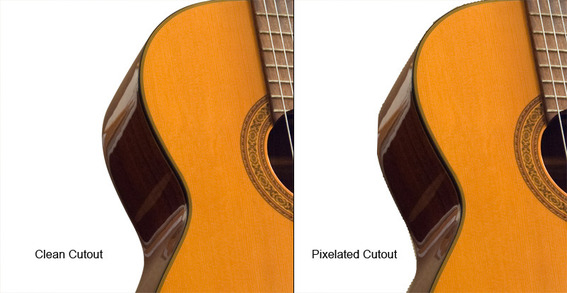
8. Use Realistic Reflections
If you include an image reflection, make sure your reflection is realistic. The simplest way to ensure this is to shoot the product on a reflective surface rather than to add the reflection during post-processing. If you add a reflection using Photoshop or another image editor, be conscious of your image perspective and light source. Overdone and unrealistic reflections will detract focus from the actual product.
Reflections that are not realistic will negatively affect your shoppers. Enlarge This Image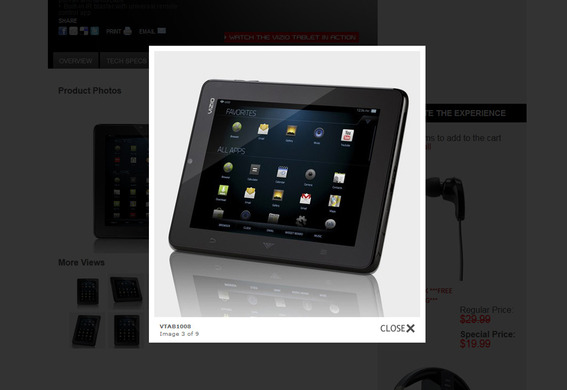
9. Use Proper Brightness and Contrast
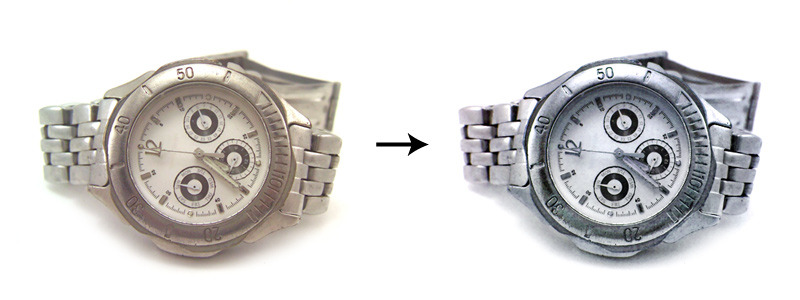
Your product image should have the right amount of brightness and contrast to highlight product details and make your image stand out. Using “Levels” or “Curves” in Photoshop will allow you to preview and adjust changes in brightness and contrast. You may also want to try “Auto Contrast” in Photoshop as a starting point for adjusting your image.
A simple adjustment of brightness, contrast, or color balance can dramatically improve your product photos. Enlarge This Image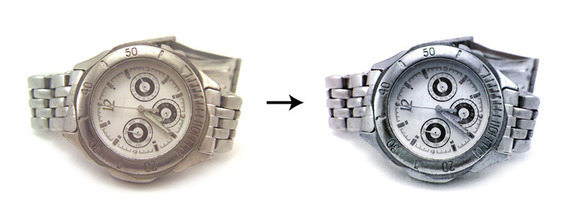
10. Be Consistent
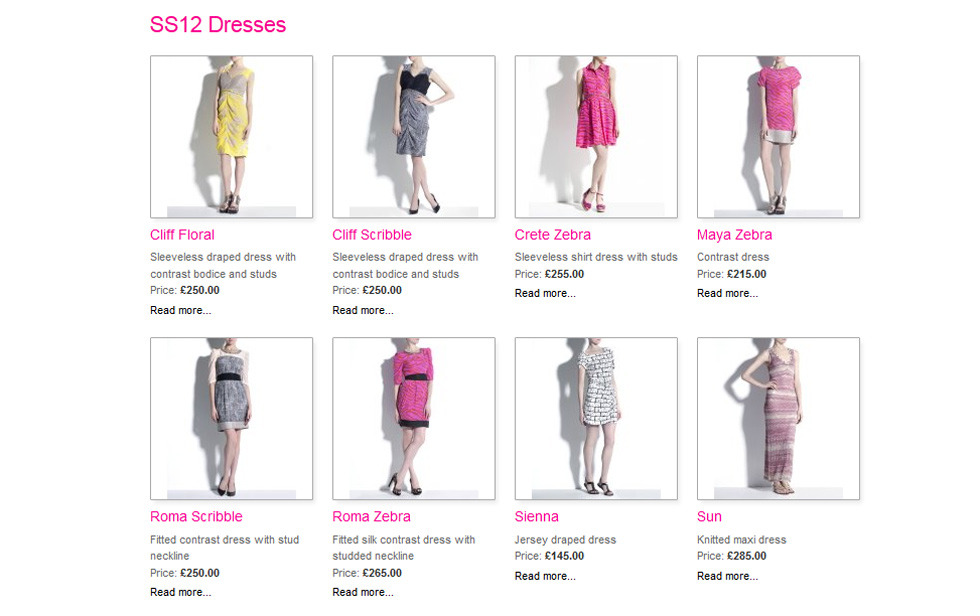
All of the product images used by your online store should have a similar aesthetic. This means similar lighting, sizing, and spacing. Image consistency will not only improve the look of your store page, but also make browsing through products in your store easier.
A uniform photographic style will provide a more consistent and comfortable shopping experience. Enlarge This Image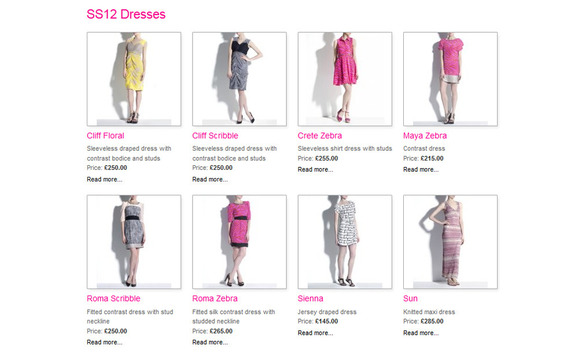





 The Race to Own AI Shopping
 New Ecommerce Tools: September 8, 2026
 New Ecommerce Tools: September 16, 2026
 Branded Sites Are Vital for Merchants
 Drive Awareness with Video Sequence Ads
 Test Your Products for AI Discovery